
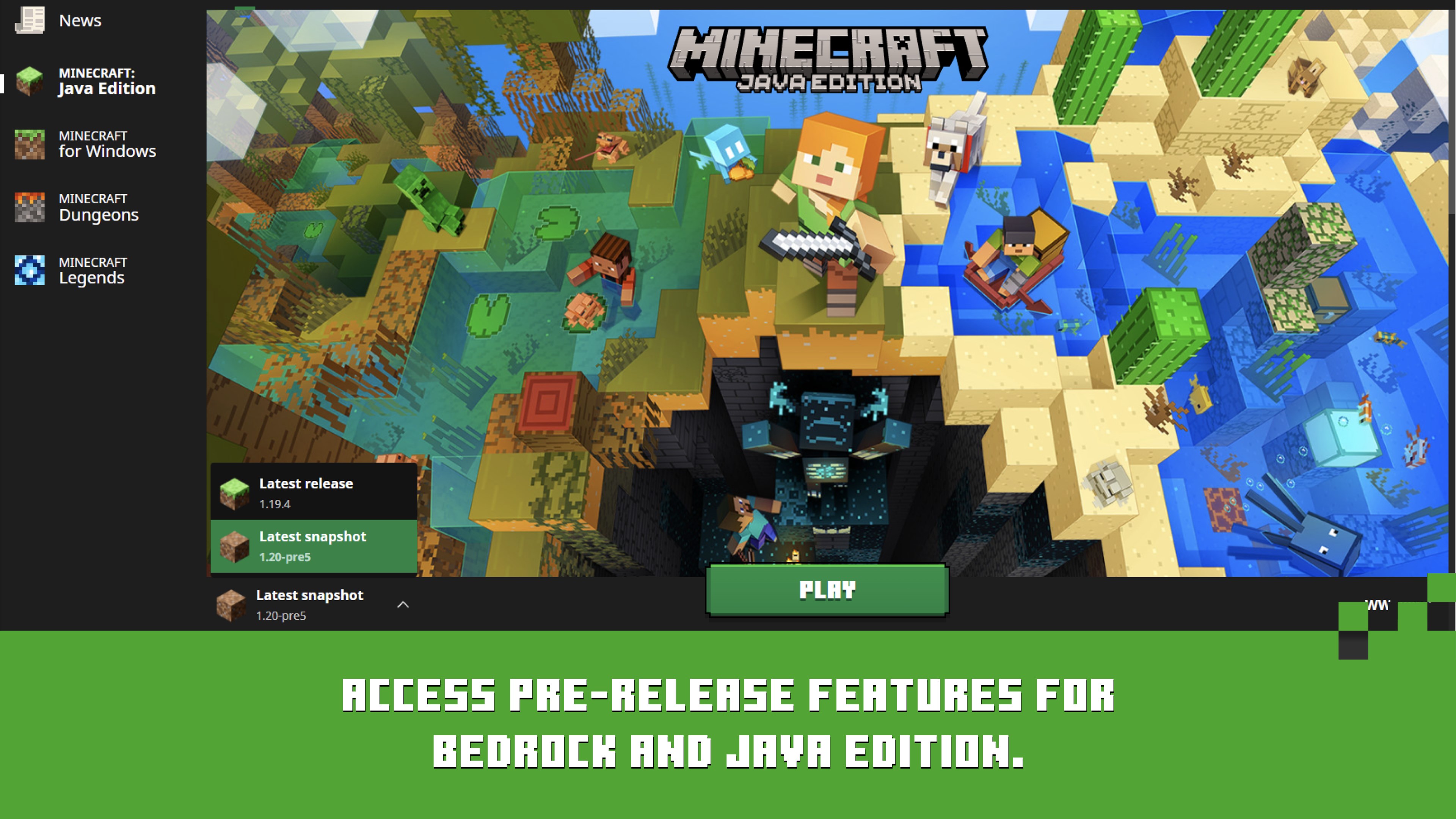
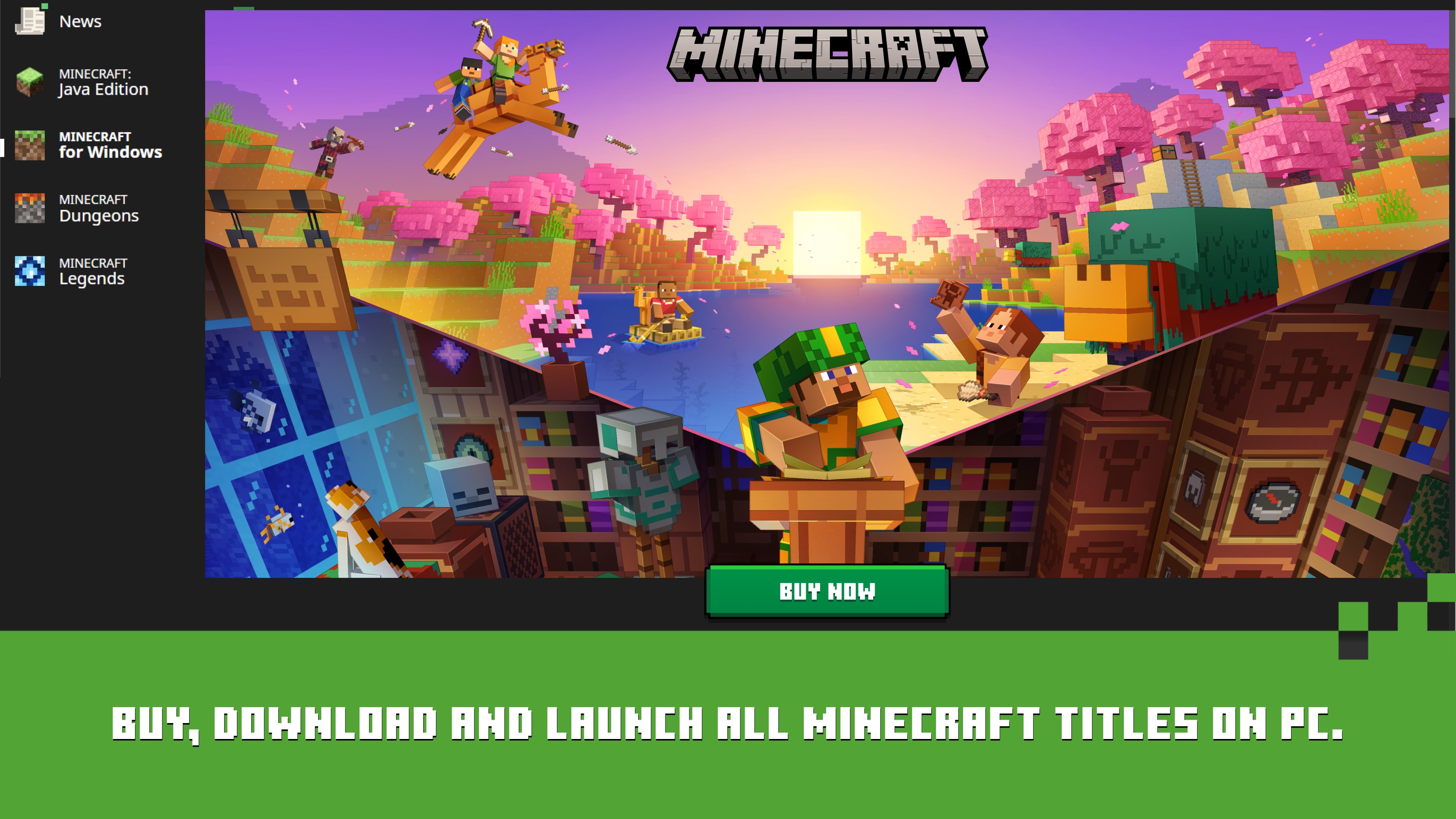
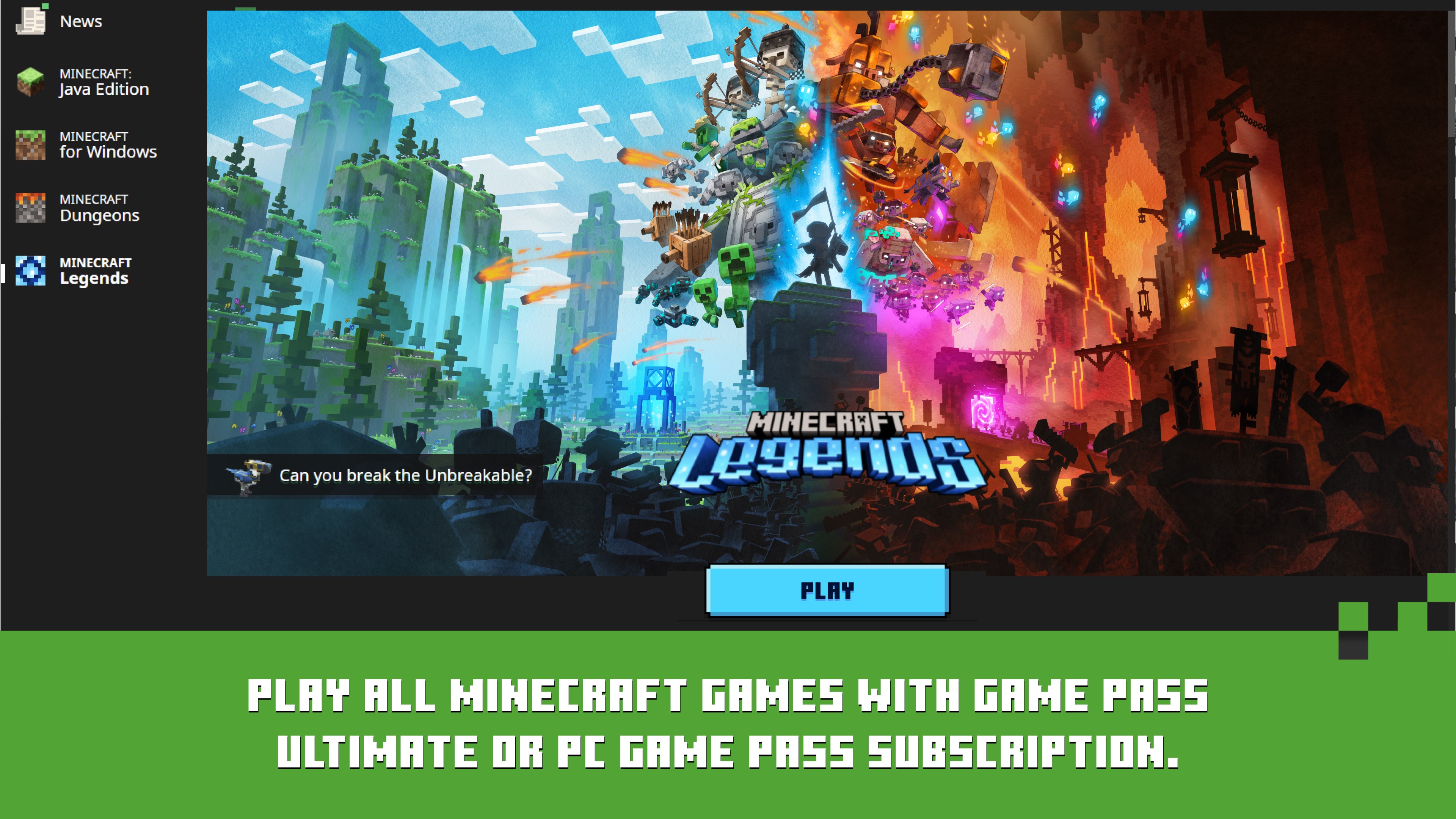
Minecraft Launcher Java Edition Play page interface

Unified Interface, Multiple Game Pipelines

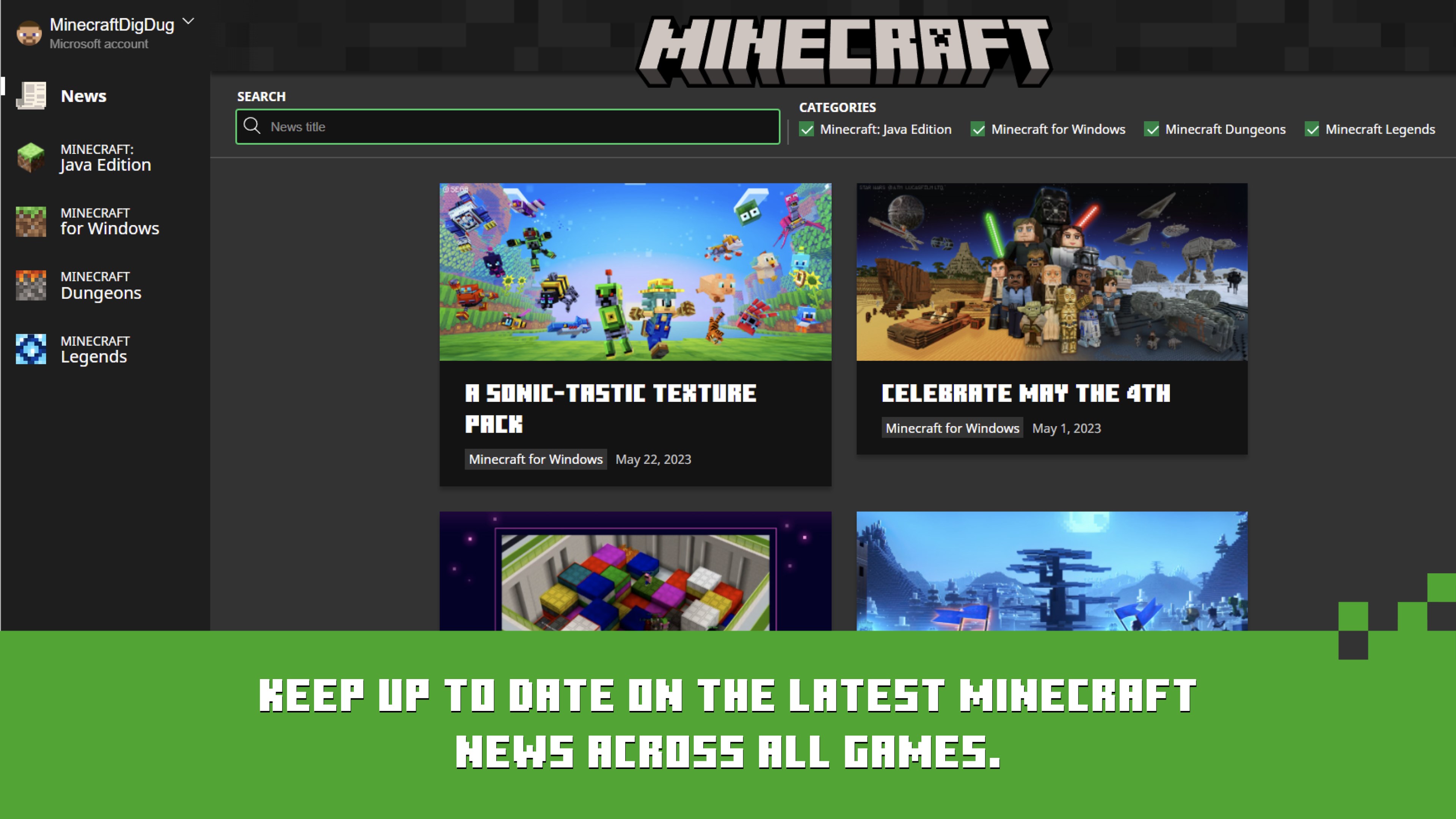
You pick Java, Bedrock, Dungeons, or Legends from one sidebar. Each title keeps its own install path and license check, but you never open a separate launcher app per game.

Core Capability Map

Java + Bedrock Access

Single UI for edition switching with dedicated profile and ownership context.

Installations & Snapshots

Create custom entries for specific versions, previews, and mod runtimes.

Quick Play

Directly relaunch recent worlds with one click from launcher-level context.

Profile Surface

Java username/skin management and Bedrock account-linked purchasing flow.

News Feed

Embedded update cards for releases, events, and ecosystem announcements.

Settings & About

Language, accessibility, launcher behavior, and version update controls.

Feature Matrix by Edition

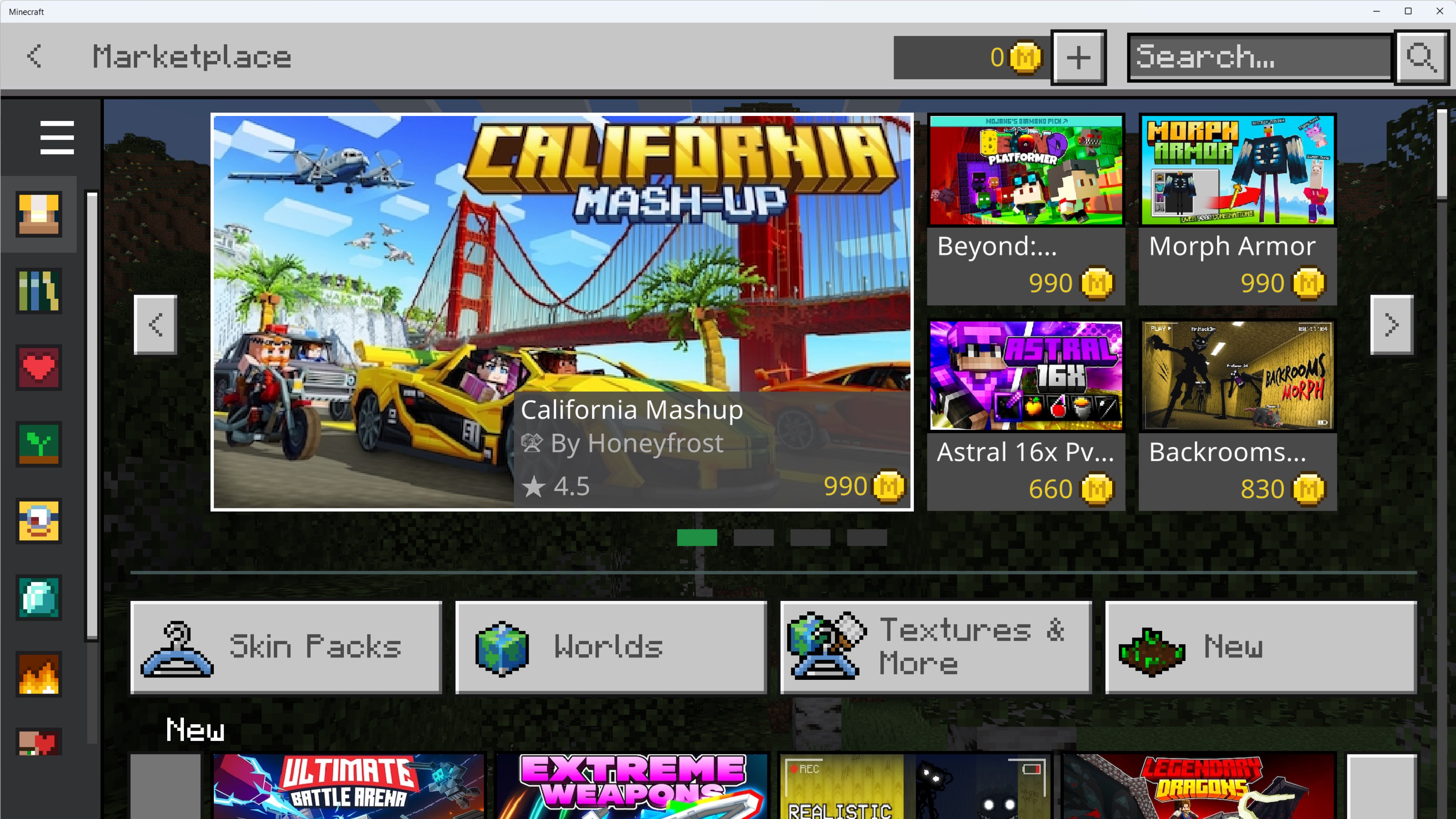
Mod Ecosystem Java: Forge/Fabric + open community stacks. Bedrock: Marketplace-led add-on delivery.
Cross-Platform Java: PC-focused server communities. Bedrock: console + mobile cross-play interoperability.
Version Management Java: deep installation granularity and snapshots. Bedrock: release vs preview streamlined paths.
Best Fit Java: technical players, creators, modders. Bedrock: social play and broad device compatibility.

Visual Feature References

Quick Play in Practice

Quick Play is enabled by default for supported versions and drastically cuts return-to-world time. It supports single-player saves, Realms, and server sessions once they are opened on eligible versions.

Use our Quick Play guide for version requirements, enable/disable flow, and advanced use cases.

Settings, Accessibility, and Maintenance

  • Language switching and behavior tuning in launcher settings.
  • Quick Play control toggle and launcher update visibility.
  • Settings → About as the first stop for launcher version checks.
  • Store Library updates for Xbox app and Gaming Services dependencies.

Controller support in the launcher UI

Recent official launcher releases added controller navigation in the launcher itself. Check Settings → About for the version on your PC. We do not pin a build number here because Mojang ships updates through Store and the launcher updater.

Explore Features with Full Context

Start from the official installer, then use guides and screenshot references to configure your launcher like a pro.